
Windows
Windows 10 or later · x64
- Installer (.exe) · x64
Download for Windows
SHA-256: 9576f3121a8d89a1f597f59427f8d972cf4ff4407996eadfa9448ff98d93403bDirect Windows installer when published here. Radio and podcasts arrive in upcoming updates.
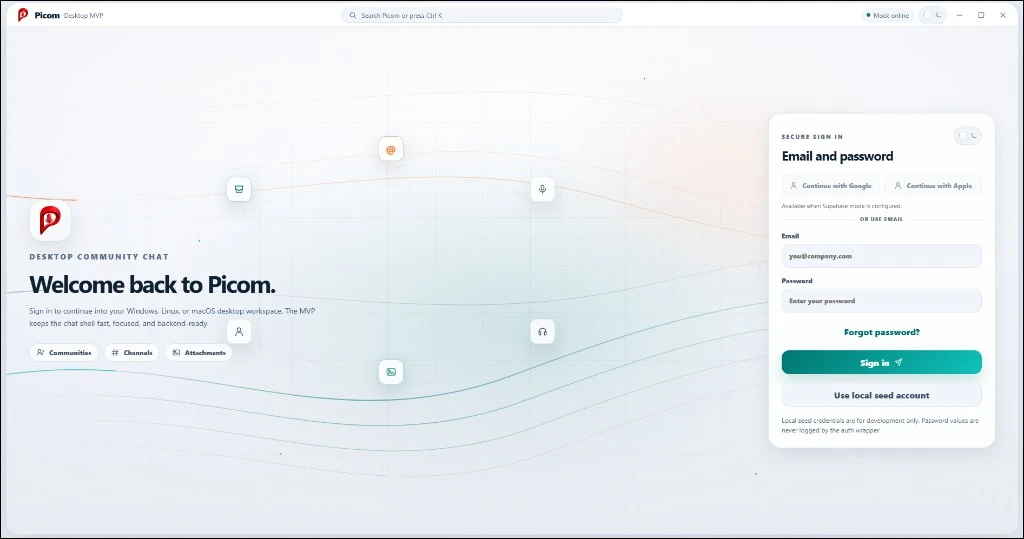
Las funciones son solo beta. Se excluyen las afirmaciones de estabilidad y preparación para producción.
Windows 10 or later · x64
SHA-256: 9576f3121a8d89a1f597f59427f8d972cf4ff4407996eadfa9448ff98d93403bx86_64 · AppImage or Debian/Ubuntu
SHA-256: 75e9c0049426faaeabb68170d614beccaffe578c601a7d0af1f6853af1a35de2SHA-256: 2326bbeac0d14ebaa163d5b0b1d42e963f0416b72f89289dacf1e61624fa48baEste instalador beta de Windows no tiene firma digital. Windows puede mostrar una advertencia de SmartScreen o de editor desconocido.
When checksums are published, compare the downloaded file's SHA-256 value with the value in the release notes.